Project Analyzer
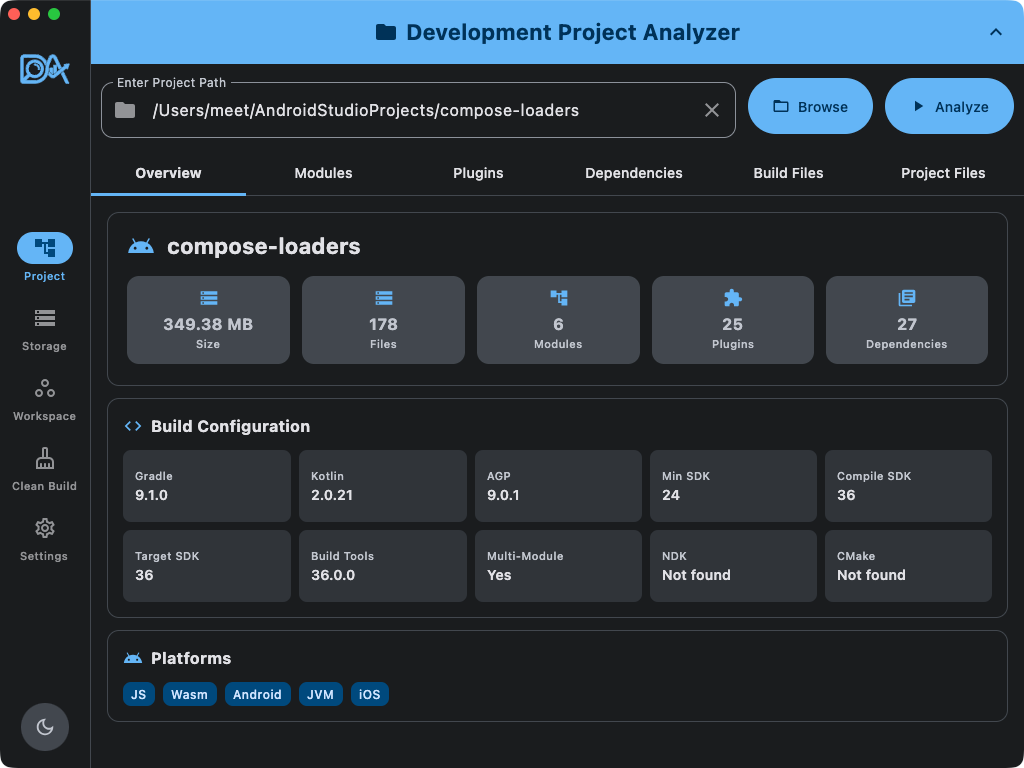
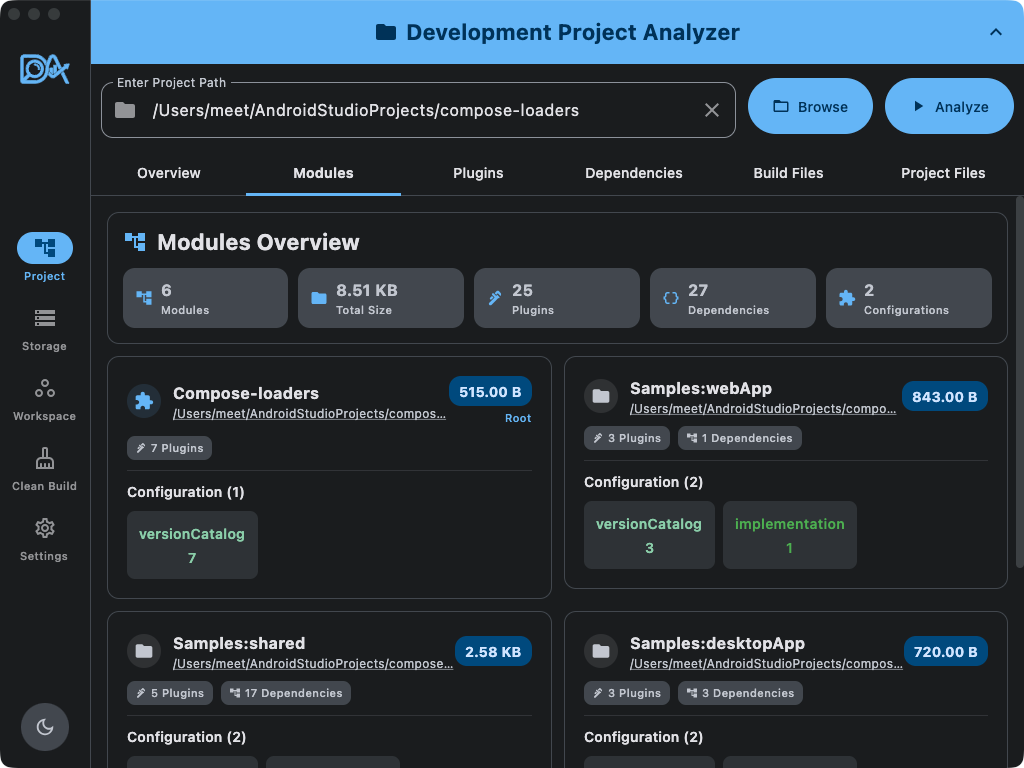
Analyze modules, plugins, and dependencies across Android, iOS, JVM, JS, Wasm, and Server targets. Browse source files, Version Catalogs, and Gradle metadata in one view.

Compose Multiplatform Desktop App
Analyze, optimize, and clean your Android & Multiplatform development environment from a single desktop application.
DevAnalyzer brings project inspection, cleanup, and toolchain analysis for Android, iOS, and Web developers into one focused utility.
Analyze modules, plugins, and dependencies across Android, iOS, JVM, JS, Wasm, and Server targets. Browse source files, Version Catalogs, and Gradle metadata in one view.
Find module build folders, review the exact deletion target, and reclaim space with confirmation dialogs and completion summaries.
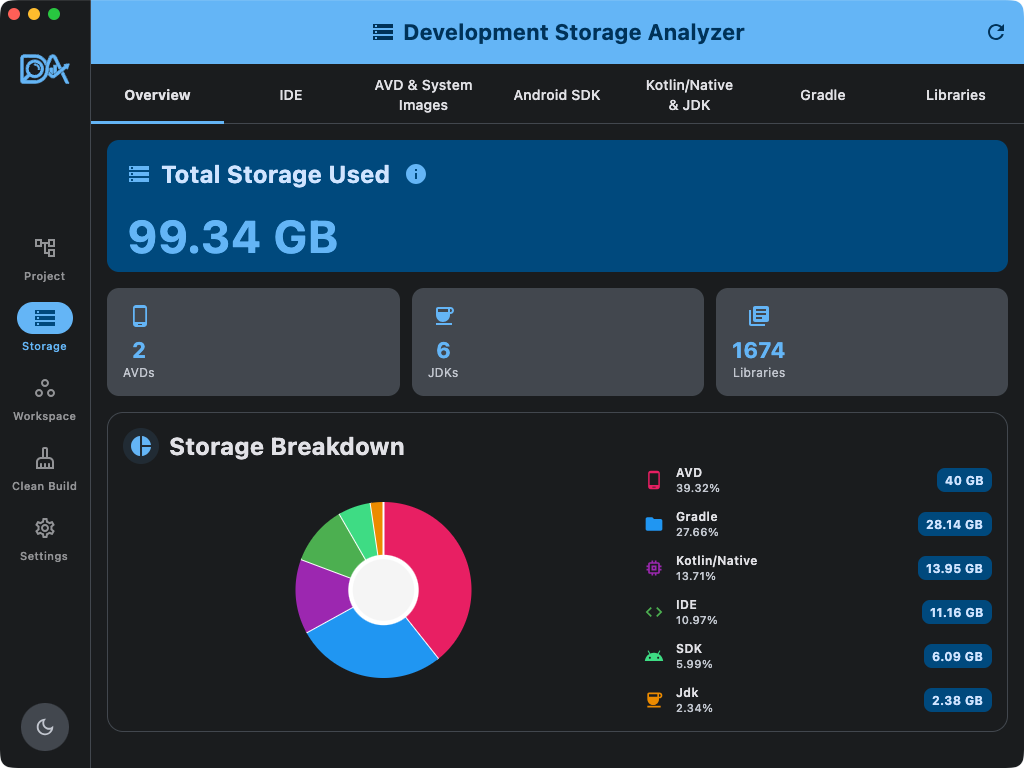
Break down Android SDK, Gradle caches, Kotlin/Native toolchains, JDK, and AVDs. Automatically detects Android Studio and IntelliJ data to reclaim space.
Cross-reference SDK Platforms, Sources, Build Tools, and NDKs with your projects to safely batch-delete unused resources.
Submit feature requests directly and receive automatic update notifications via GitHub to stay current.
Automatically detect JDK, SDK, and IDE installations across custom folders with built-in path validation and one-click reset.
Switch between real screenshots from the app to explore each feature before you download it.
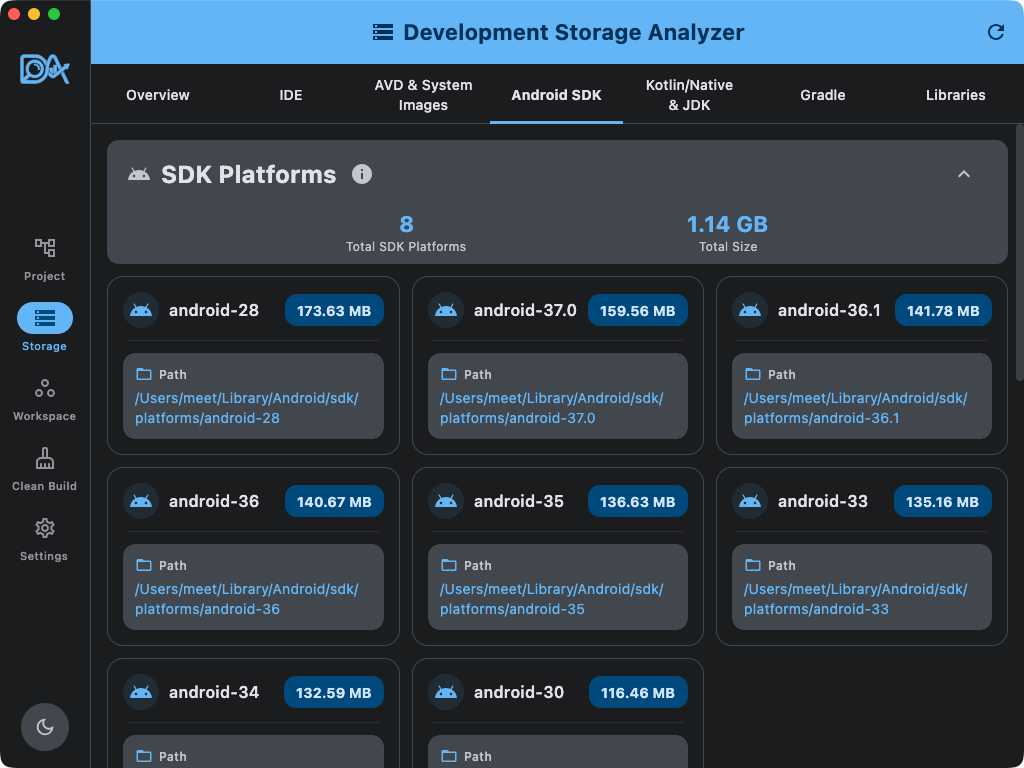
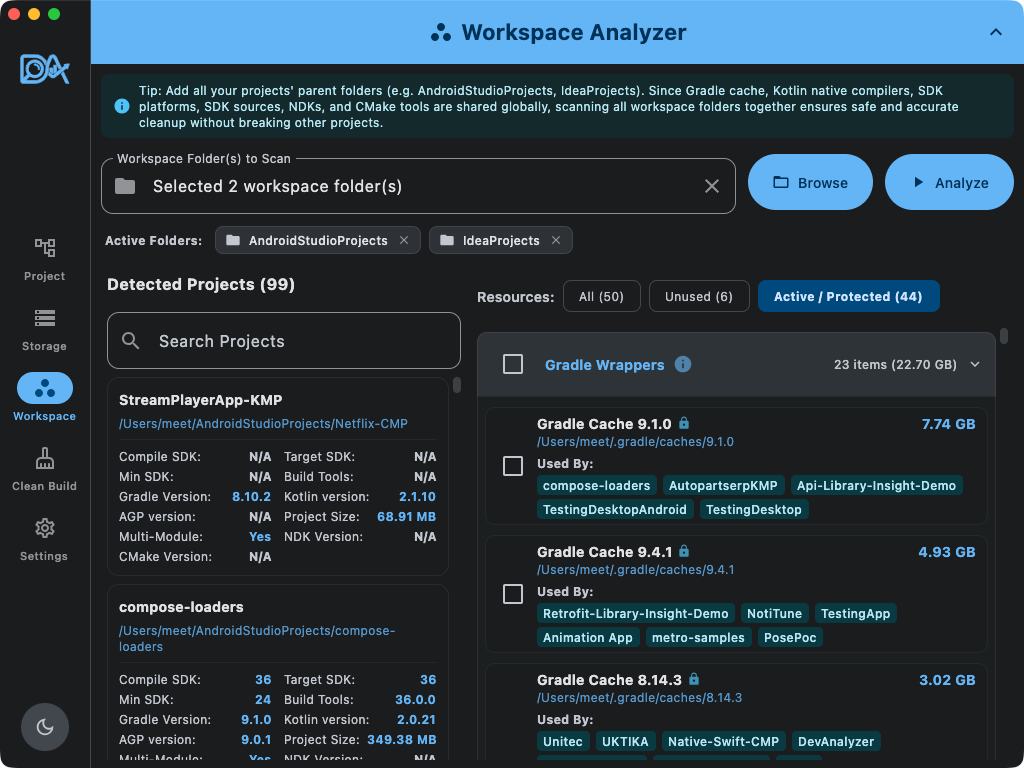
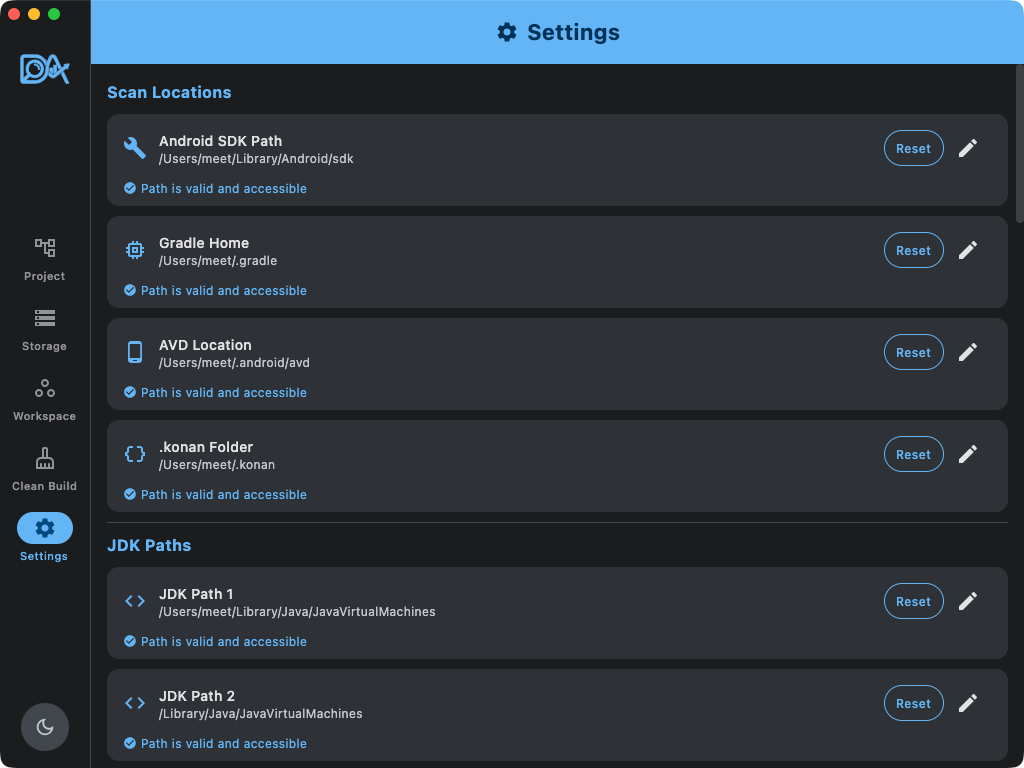
Every cleanup action is visible and reviewable before execution, so storage recovery stays deliberate.
Automatically detect Android, iOS, JVM, Wasm, and Ktor Server targets across your entire workspace.
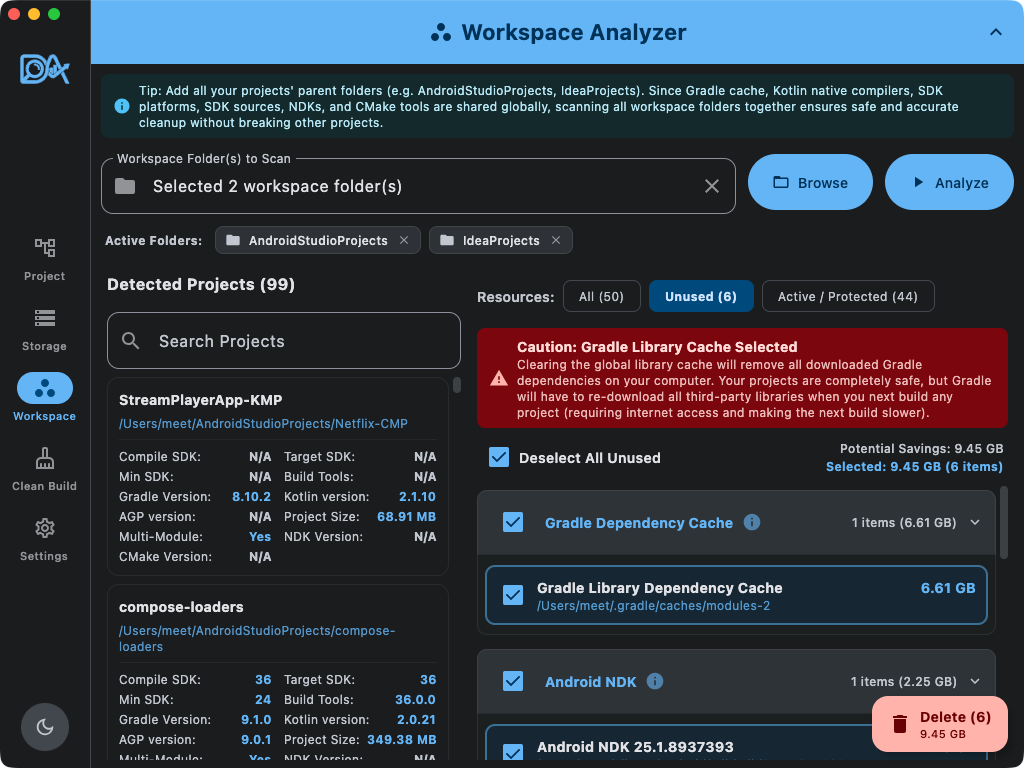
Installed tool versions are checked against your projects before anything is removed.
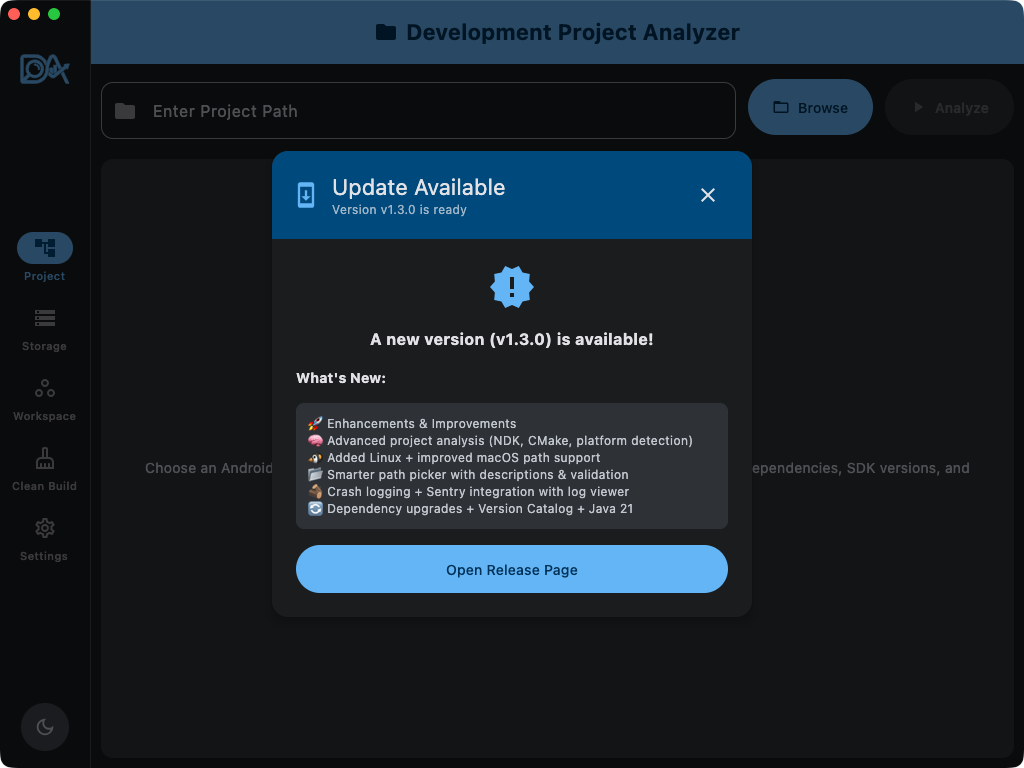
Release notes and update checks are handled inside the app.
Download from GitHub
DevAnalyzer detects your operating system, looks up the latest GitHub release, and selects the matching installer when available.
macOS Gatekeeper Note: App is not notarized. If blocked, go to System Settings → Privacy & Security → Allow Anyway or run:
xattr
                            -dr com.apple.quarantine /Applications/DevAnalyzer.app
DevAnalyzer is designed to inspect development folders, project metadata, and toolchain paths locally.
Project analysis and storage scans run on your machine.
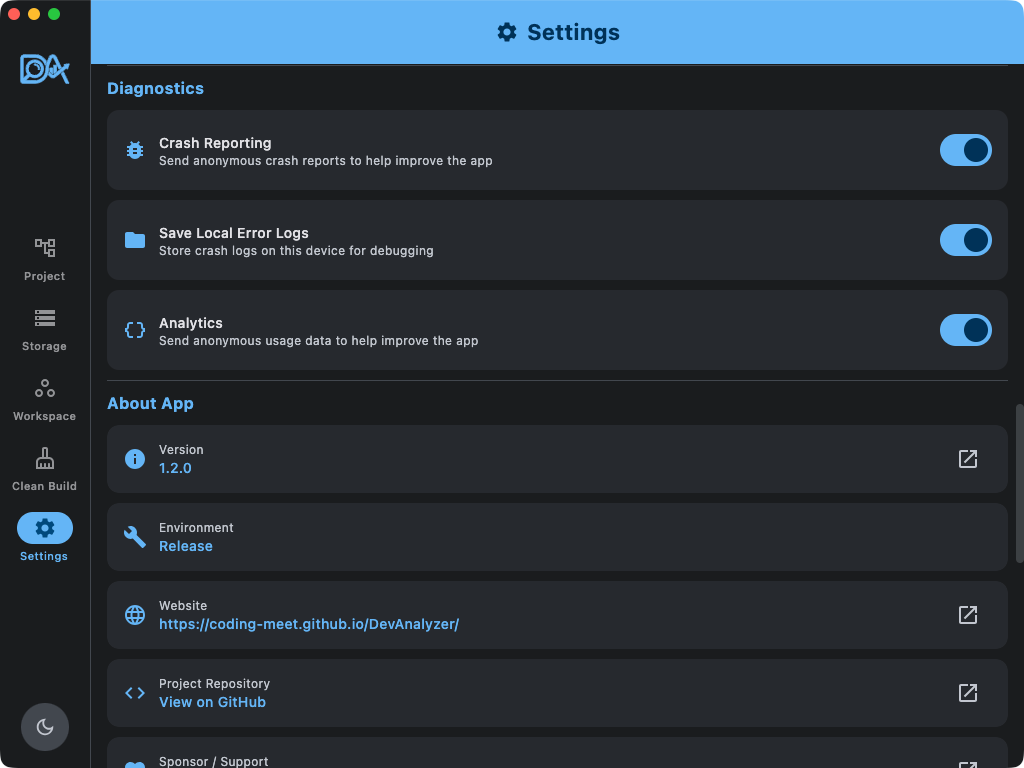
Crash reporting and usage analytics can be managed from the app settings.
Source code, project names, and file paths are never uploaded or sent to remote servers.